
MuseMatch
MuseMatch helps creatives find the right collaborator, mentor, or sponsor by starting with intent, not a feed.
Solo UX/UI designer · Native iOS and Android concept · 2024
Overview
Role:
Solo UX/UI designer
Scope:
Platforms:
iOS and Android
Status:
Concept prototype
Timeline:
5 weeks
The Opportunity
Creative opportunities often depend on existing networks: where someone studied, whom they know, or whether they happen to be in the right community. Existing platforms help creatives learn skills or monetize an audience, but they do not directly help users find people for collaboration, mentorship, or sponsorship.
I explored whether an intent-first network could make these connections more purposeful by organizing discovery and matching around what each person wanted to accomplish.
My experience as a classical musician made this problem personally familiar: valuable creative opportunities are often distributed through informal networks.
Who It's For
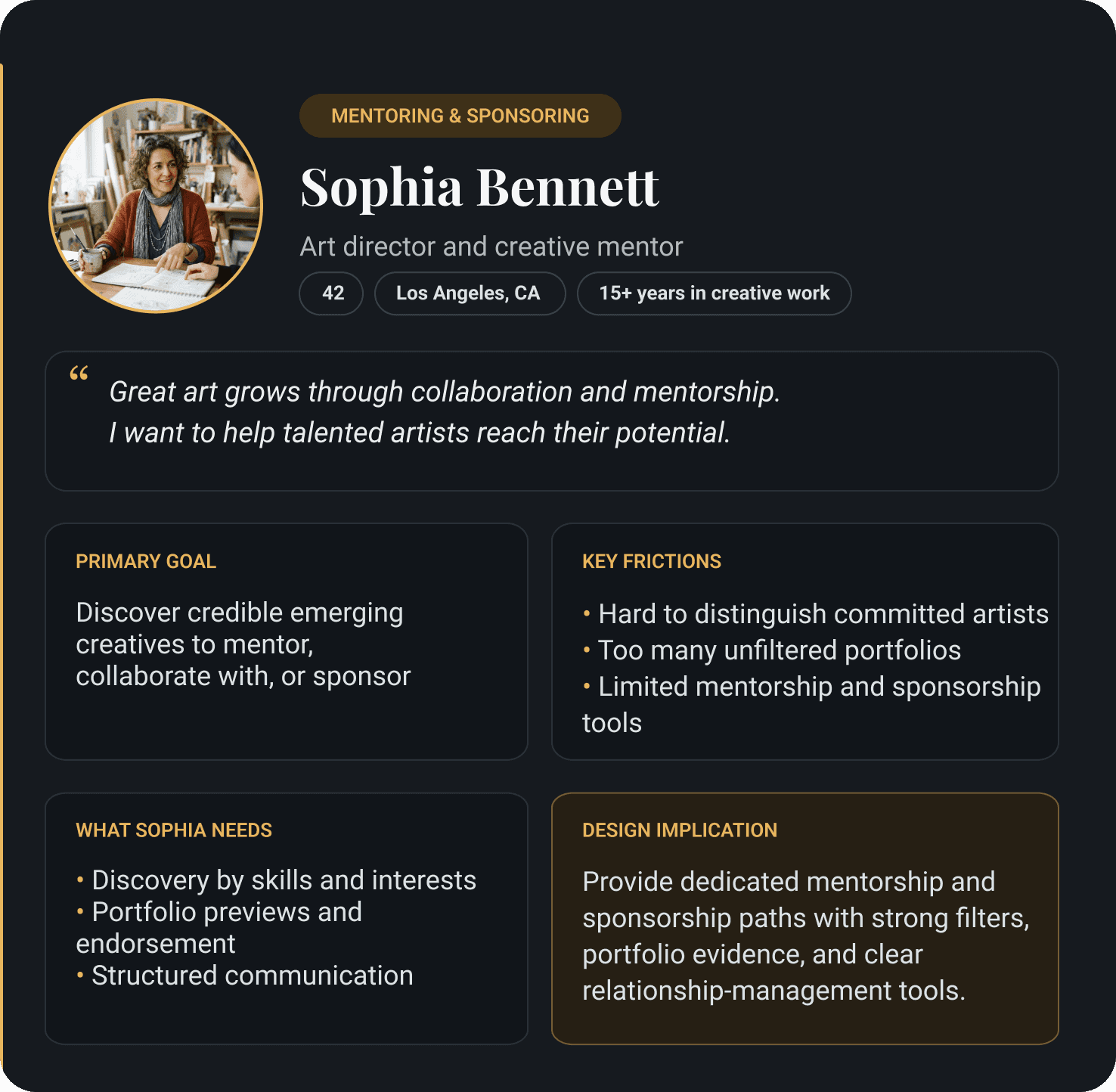
Two needs consistently emerged
I know what I want to create. I just don't know how to find the people who get it.
Networking feels fake. I want to find people who are serious about their craft, not just building a following.
These findings pointed to two product requirements: discovery organized around intent and visible signals of credibility.

Competitor Analysis and Market Gap


Conclusion
Existing products supported learning or monetization. MuseMatch focused on the relationship-discovery gap between them.
From User Needs to Design Decisions
Each design decision responded to one of two user signals: what creatives wanted to accomplish and what they needed to feel confident taking the next step.
User need 01
Find people with compatible goals
Product decision
Intent-based onboarding and matching
People begin with collaboration, mentorship, or sponsorship; skill and availability filters refine compatibility.
User need 02
Judge whether a connection is credible
Product decision
Rich profiles, endorsements, and work history
Credibility is visible before contact; messaging supports the connection after a person evaluates the match.
User need 03
Control how matches are found
Product decision
Parallel AI-guided and manual search routes
Users can describe what they need conversationally or search and filter results themselves.
Core Decision and Flow
The defining product decision: start with intent
What are you looking for?

Mentorship

Collaboration

Sponsorship
Why?
Users arrived with different relationship goals.
What changed?
Intent became the organizing principle of the product.
Product consequence
Each path changed onboarding prompts, matching criteria, trust signals, and recommended next actions.
User Flow
Start with intent → choose AI-guided conversation or manual search → review matched creatives → connect

Extracted directly from the complete flow; the steps and two connection outcomes are unchanged.
Wireframes
LOW FIDELITY
Browse structure

1
Tested information hierarchy
I started with a simple card grid to test what information users needed to scan creatives and decide whose profile to open.
REFINE
MID FIDELITY
Searchable results

2
Added search and filtering
I replaced the generic grid with a searchable list so users could narrow results and compare names, disciplines, and experience more efficiently.
VALIDATE
HIGH FIDELITY
Intent-based matches

3
Connected matching to trust
The final design explains why each person fits, surfaces availability and endorsements, and provides a clear next action.
Testing and Iterations
I conducted moderated usability sessions with six participants across the iOS and Android prototypes, focusing on collaborator discovery, mentor connection, and messaging.
Findings
Design change
Four of six participants reached the same generic MuseAI endpoint
Created distinct chat outcomes for collaboration, mentorship, and sponsorship
Notifications routed users to the wrong destination
Corrected notification routing
Category and home views did not scroll fully
Fixed scrolling across affected screens
“Let’s find your muse” did not fit mentorship or sponsorship
Rewrote copy around the selected intent
The palette felt too varied
Reduced the palette and assigned consistent colors to navigation, actions, feedback, and intent states.
Visual direction
The identity uses the reaching hands from The Creation of Adam as a metaphor for creative connection. Renaissance-inspired imagery extends this concept through the discovery cards while the restrained interface keeps the artwork secondary to navigation and content.
I developed the visual concept and art direction; generative AI was used to create the final Renaissance-inspired illustrations.
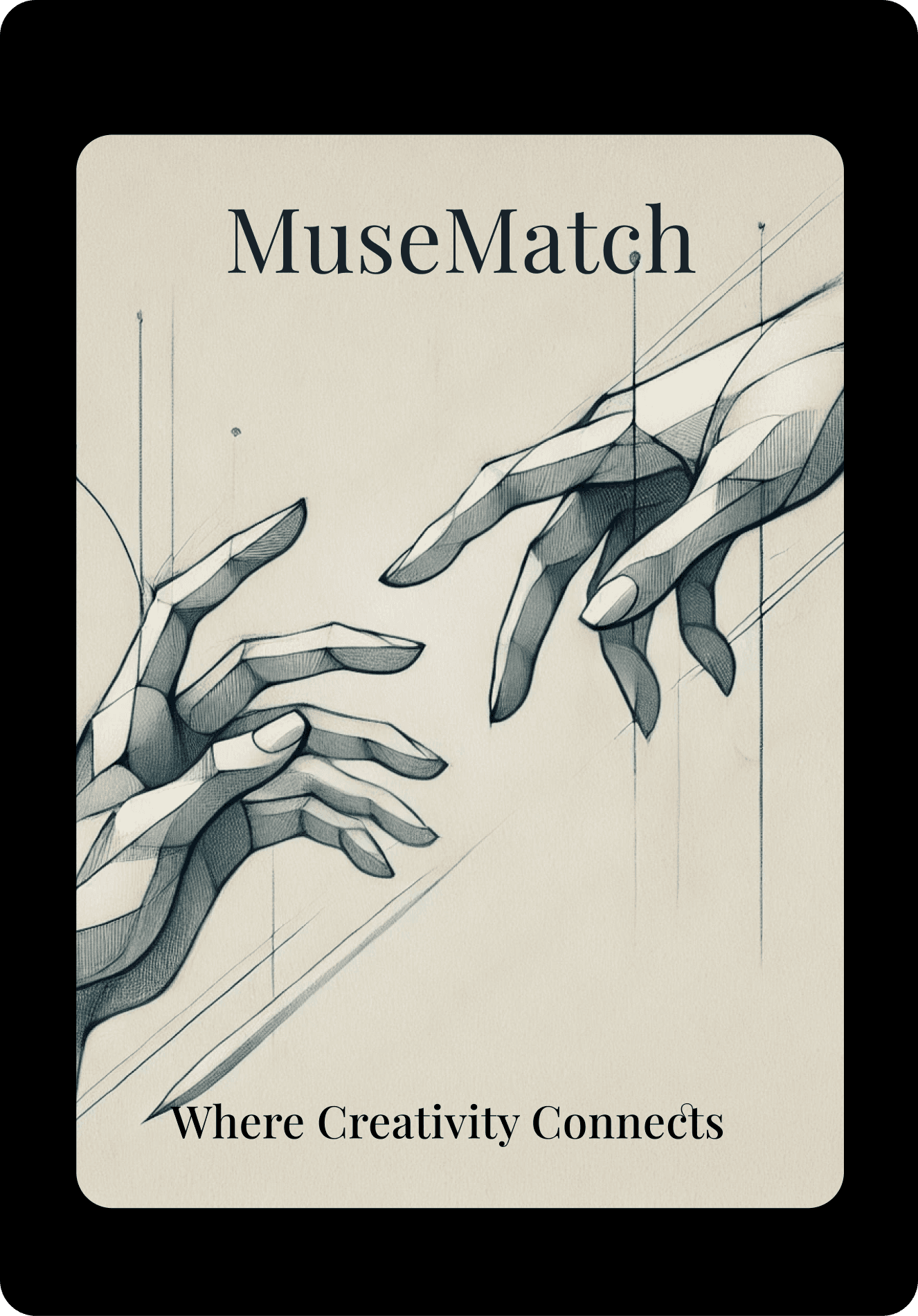
Visual mark
Hands express creative connection
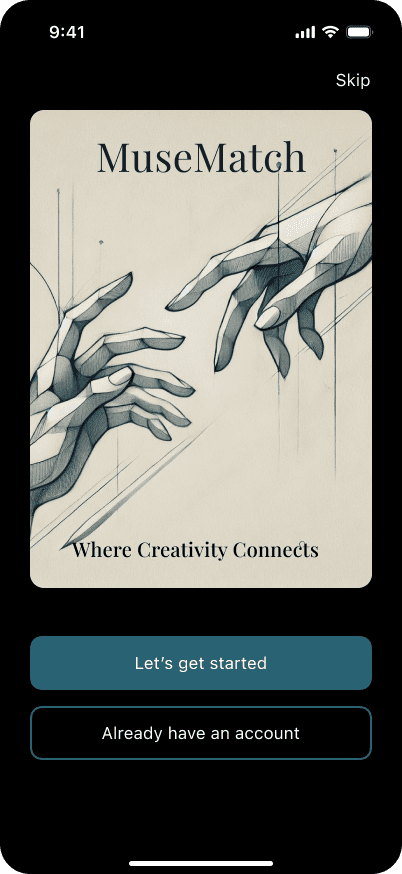
Launch screen
The metaphor introduces the experience

Category navigation
Art guides intent selection

Discovery
Metaphor
Connection begins with the hands
The launch screen establishes the platform’s core idea before any explanation is needed.
Repetition
Engraving imagery becomes navigation
The same visual language identifies relationship paths and creative categories.
Function
Color separates interface from artwork
Teal consistently marks navigation and actions while the artwork carries atmosphere.
Teal consistently marks navigation and actions while the artwork carries atmosphere.
Takeaways
What I learned
Organizing the product around intent affected more than navigation; it changed the questions MuseAI asked, the criteria used for matching, and the trust signals each path required.
Providing both AI-guided and manual discovery gave users control over how much interpretation they wanted from the system.
Six participants exposed actionable issues in routing, scrolling, terminology, and visual consistency. A second round would be needed to verify the revisions.
Next steps
Test the revised intent-specific MuseAI paths.
Refine messaging and connection management.
Validate sponsorship needs with the relevant user group.